

CodeRabbit is an AI-powered code review tool that automatically reviews pull requests. By connecting Context7 as an MCP server, CodeRabbit can access up-to-date library documentation during reviews, helping it verify implementations against the latest API references and best practices.
Setup#
Navigate to MCP Servers
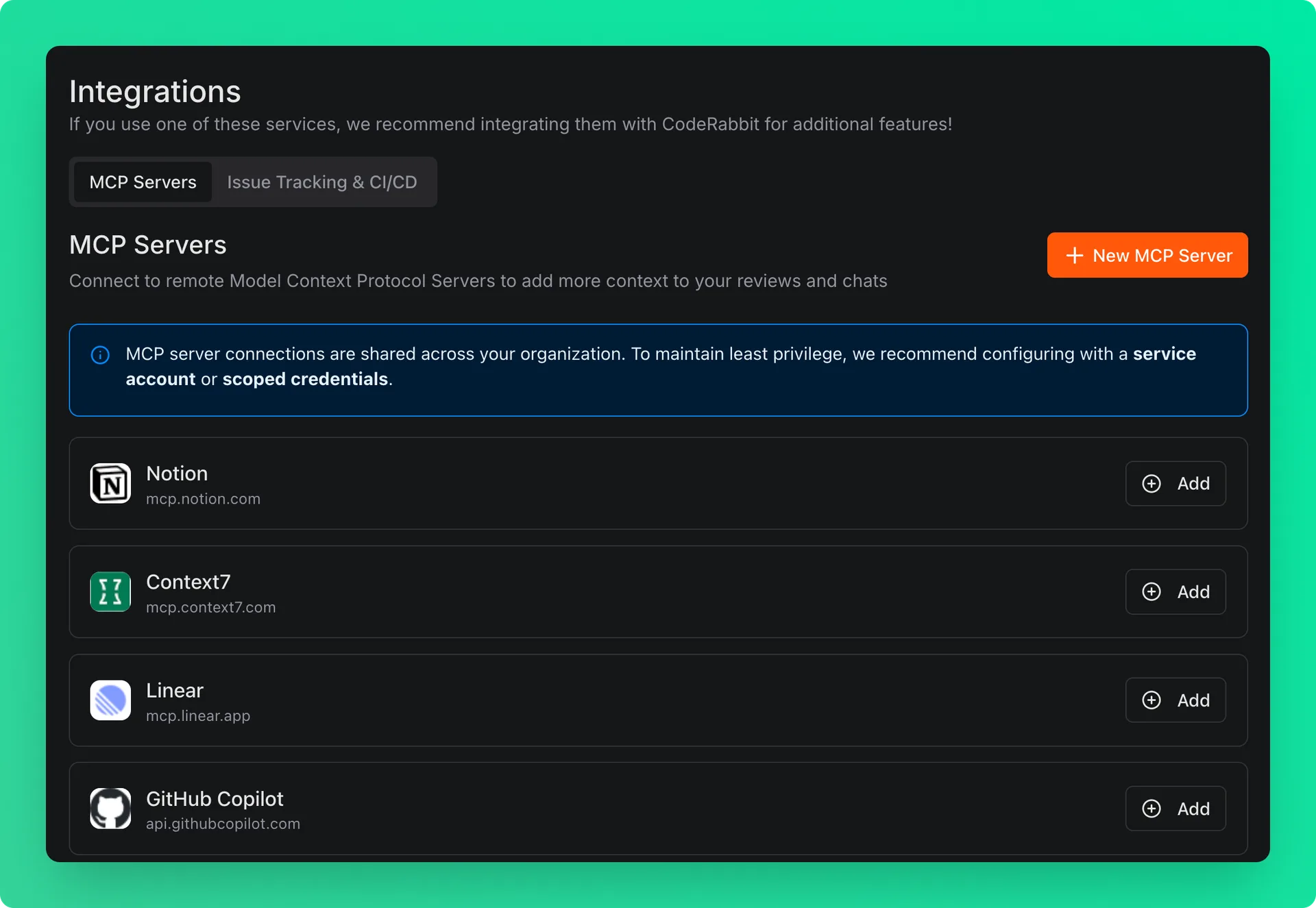
Go to your CodeRabbit dashboard and navigate to Integrations → MCP Servers.
Add Context7
Click the Add button next to Context7 MCP server.
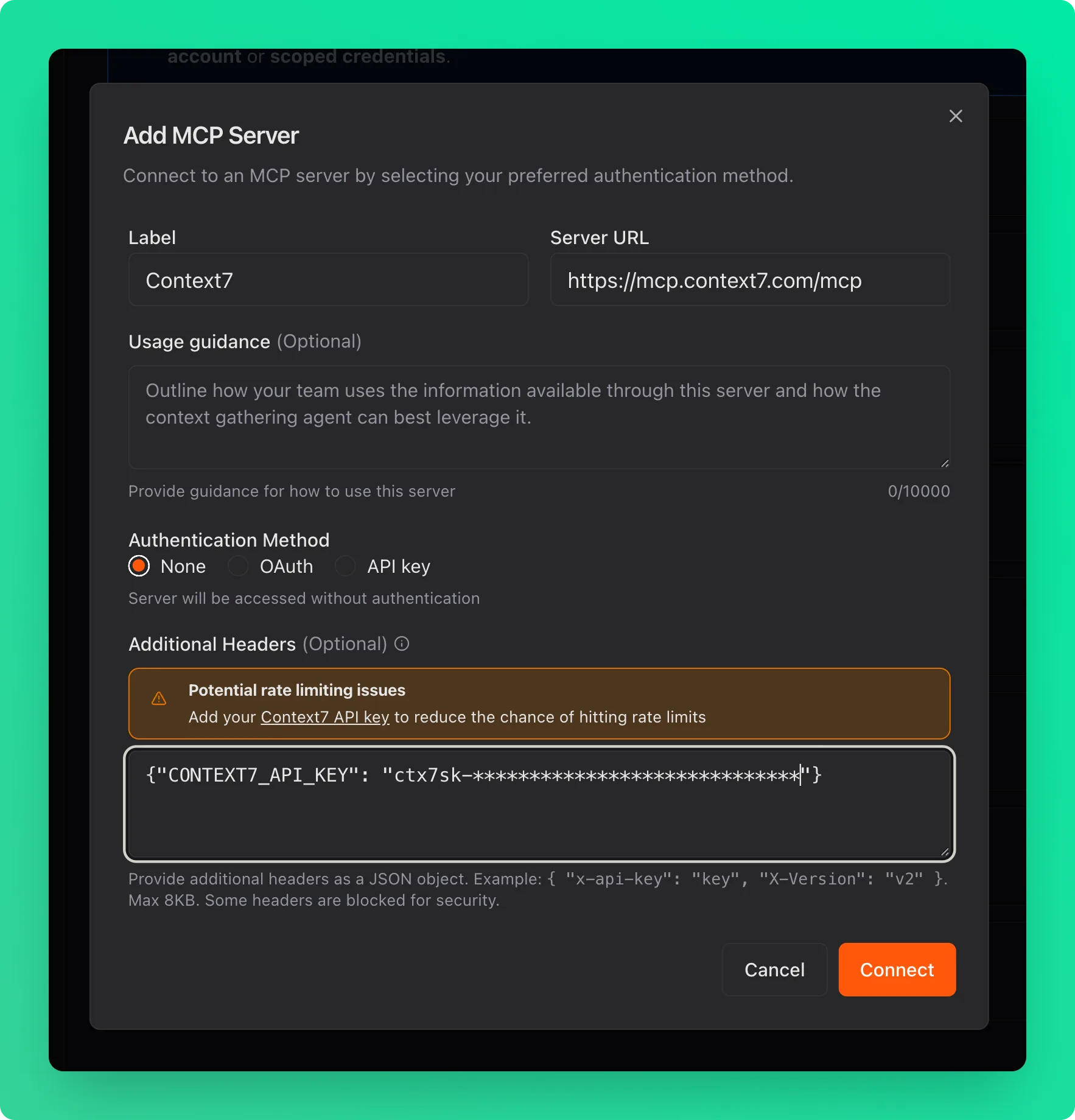
Add the following header for higher rate limits:
| Header | Value |
|---|---|
CONTEXT7_API_KEY | Your API key from the Context7 dashboard |
Connect
Click the Connect button to connect the server.
Enable for Public Repos
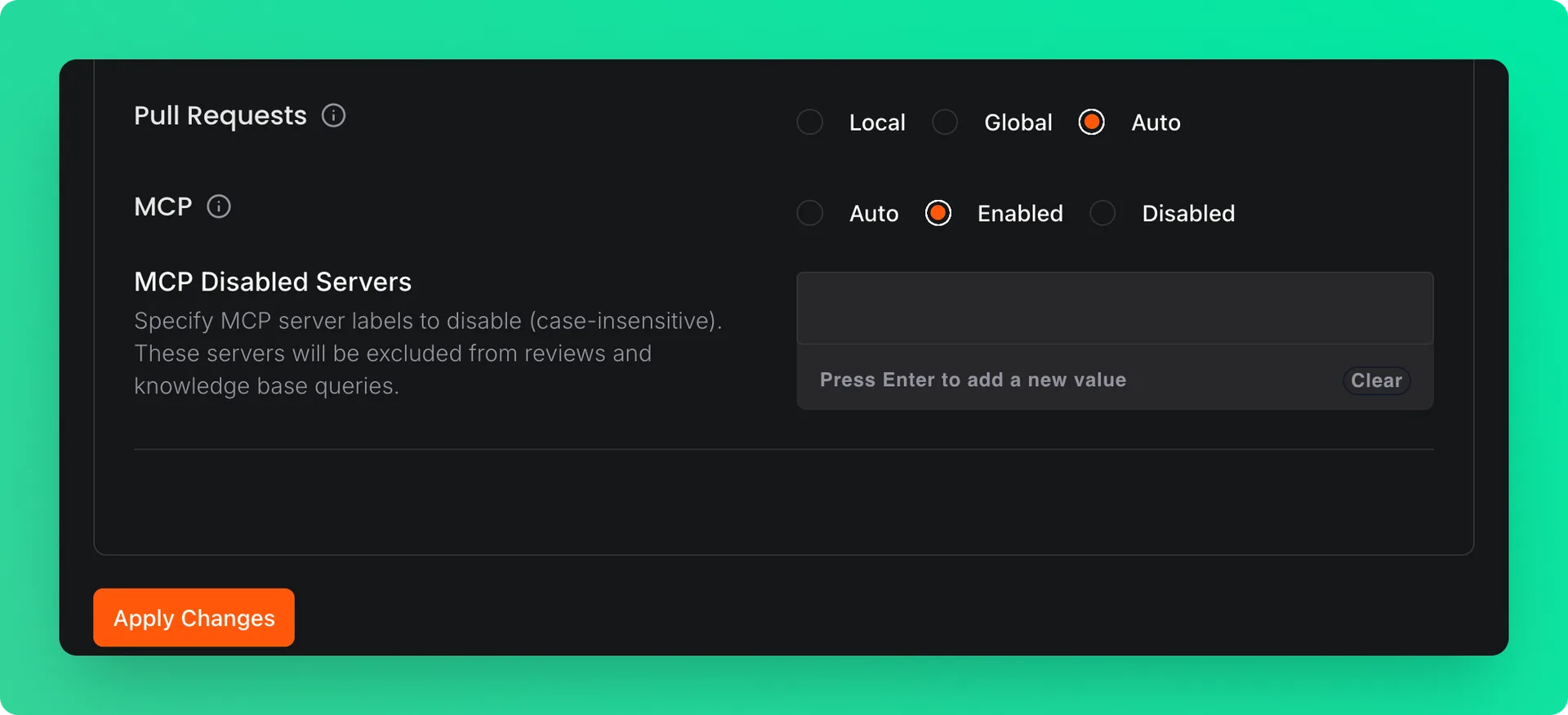
To use Context7 with public repositories, go to Organization Settings → Configuration → Knowledge Base. In the MCP section, select Enabled instead of Auto and click Apply Changes.
Usage Guidance#
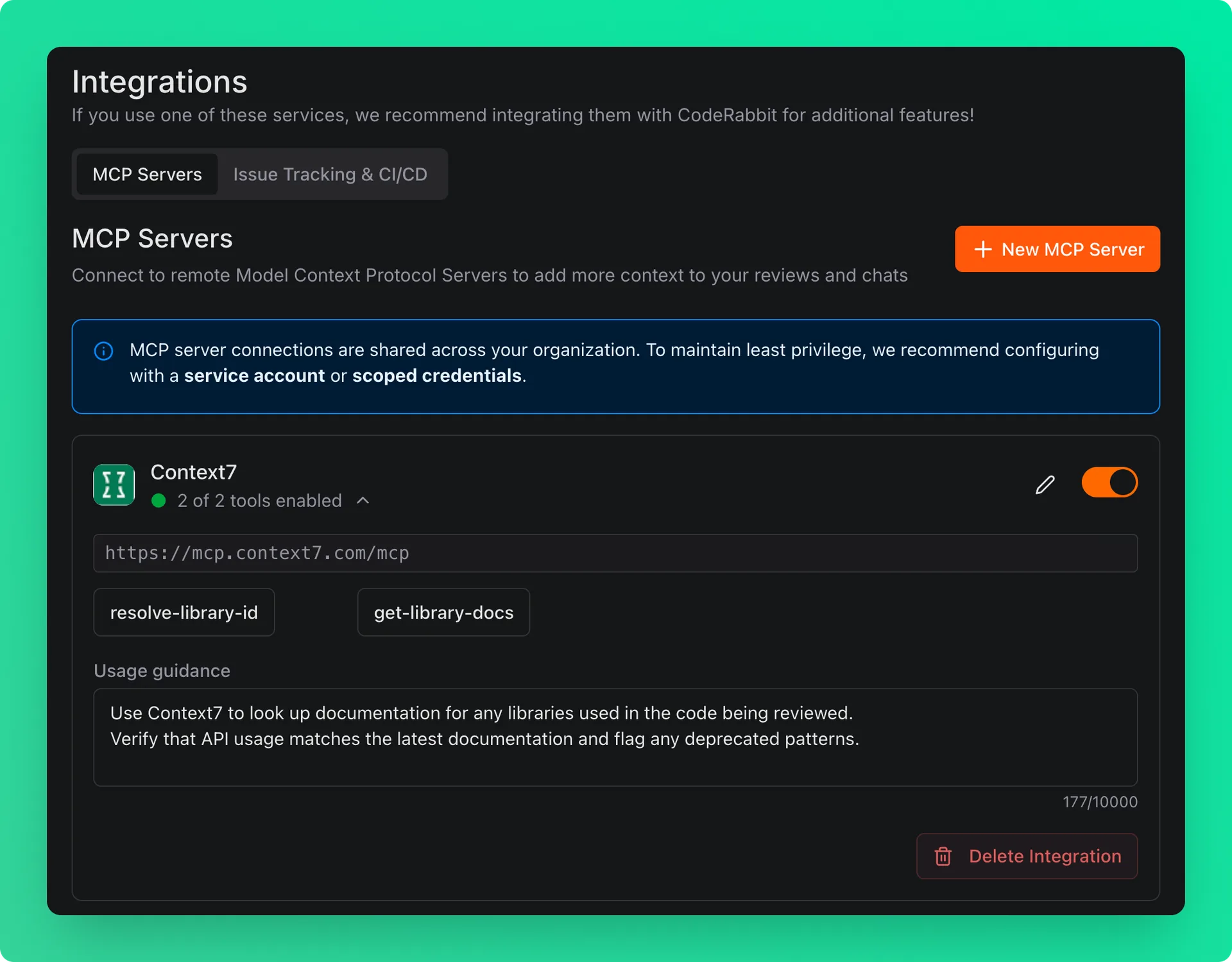
In the Usage Guidance field, you can instruct CodeRabbit on how to use Context7 during reviews. For example:
How It Works#
Once connected, CodeRabbit will query Context7 for relevant library documentation when reviewing pull requests. This helps CodeRabbit:
- Verify correct API usage against the latest documentation
- Identify deprecated methods or patterns
- Suggest improvements based on library best practices
- Provide more accurate and informed review comments