

API keys authenticate your requests to Context7's documentation services. You can create one in the Context7 dashboard.
Managing API Keys#
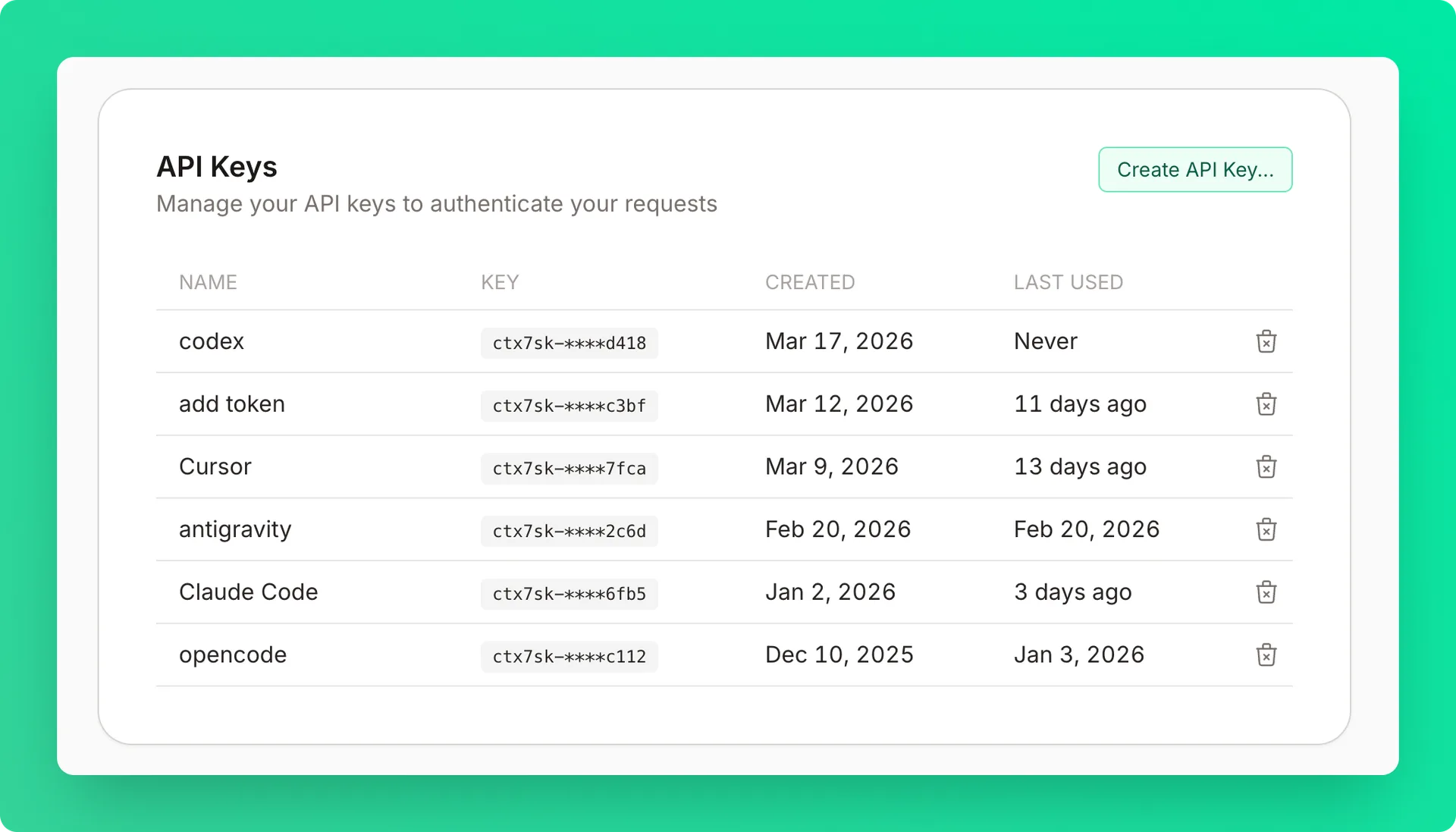
Creating API Keys#
Open the create dialog
Click Create API Key in the API Keys card.
Name the key
Enter a name (optional but recommended). Descriptive names like "Cursor", "Claude", "VS Code", or "Devin Desktop" help you identify the key later.
Copy the key immediately
Keys are shown only once for security. The format is ctx7sk-**********************.
Use the key
Use it in your requests or MCP configuration:
Revoking Keys#
Delete the key
Click the delete button next to the key you no longer need.
Confirm deletion
Confirm in the modal. The key deactivates immediately — all requests using it will fail.
Revoking a key is permanent and cannot be undone. Update any applications using the key before revoking.